

Browse conversations
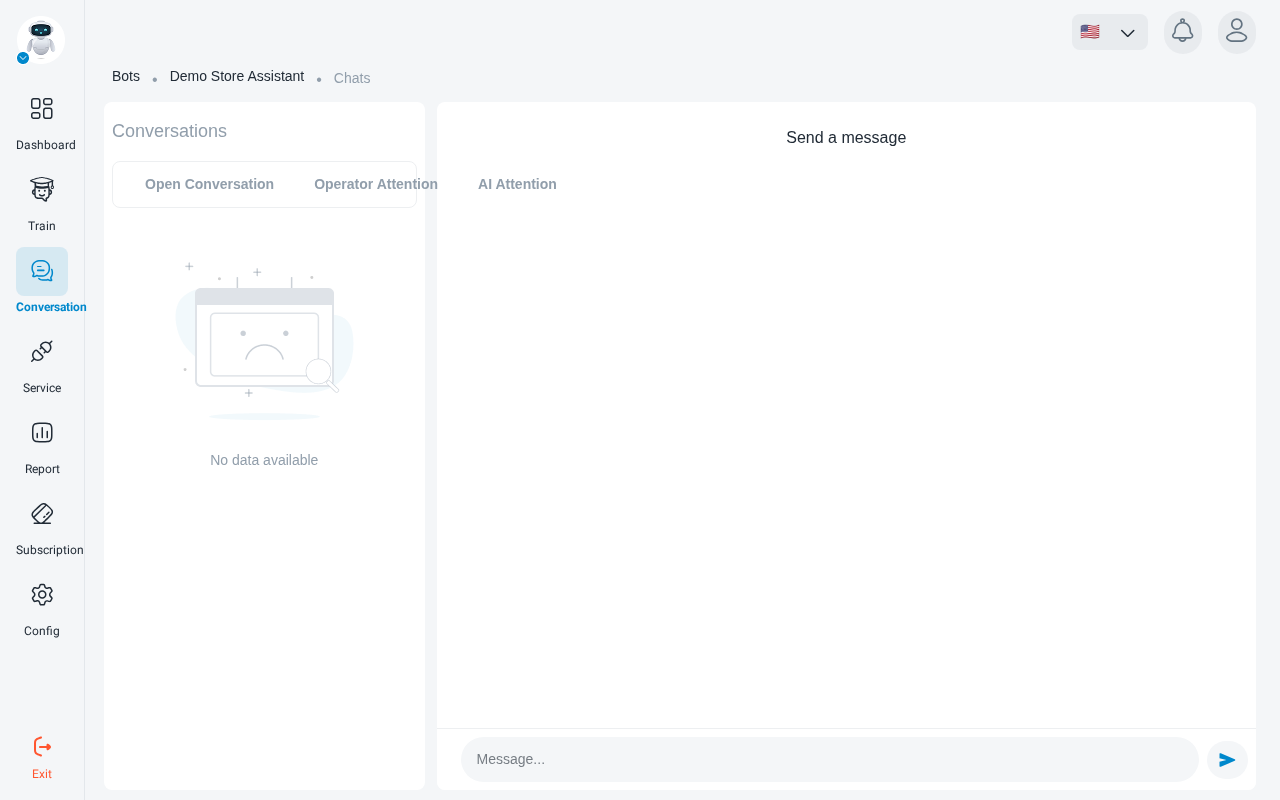
Open your robot and go to Conversation. There are two views: the live Conversation’s List and the Chat’s Archive. Both include conversations from every connected service.
Conversation’s List
The live view, for following and answering conversations as they happen. Quick filters narrow it down:
Click a conversation to open it. See Read a conversation.
Chat’s Archive
A searchable table of past conversations. Filter by:
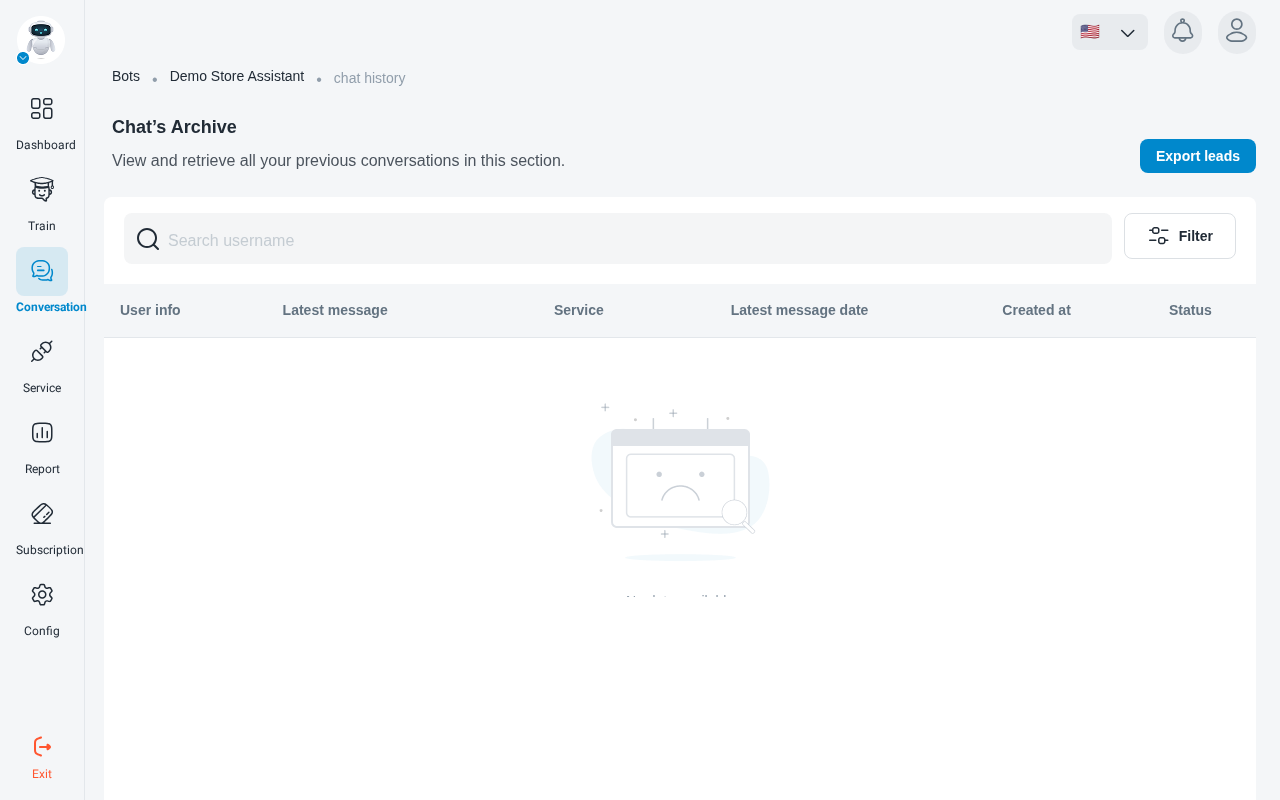
- Chat status: Operator Attention, Not Answered, Operator Answered, AI Answered or Closed.
- Social Network Type: Widget, Telegram, Goftino or Instagram.
- Create date: when the conversation started.
- Update date: when its last message was sent.
Export leads downloads the contact details visitors left in their conversations, for example through the pre-chat form.
Delete a conversation
Choose Delete conversation and confirm.
Deleting a conversation permanently removes all of its data. It cannot be recovered.