

Train from a Mixin store
To connect a store built with Mixin, you need two things from your Mixin panel: your website address and your API key.
Copy the API key from Mixin
Sign in to your Mixin panel and open Advanced Settings. Copy your website address and your API key.
Open the Mixin form in ParsChat
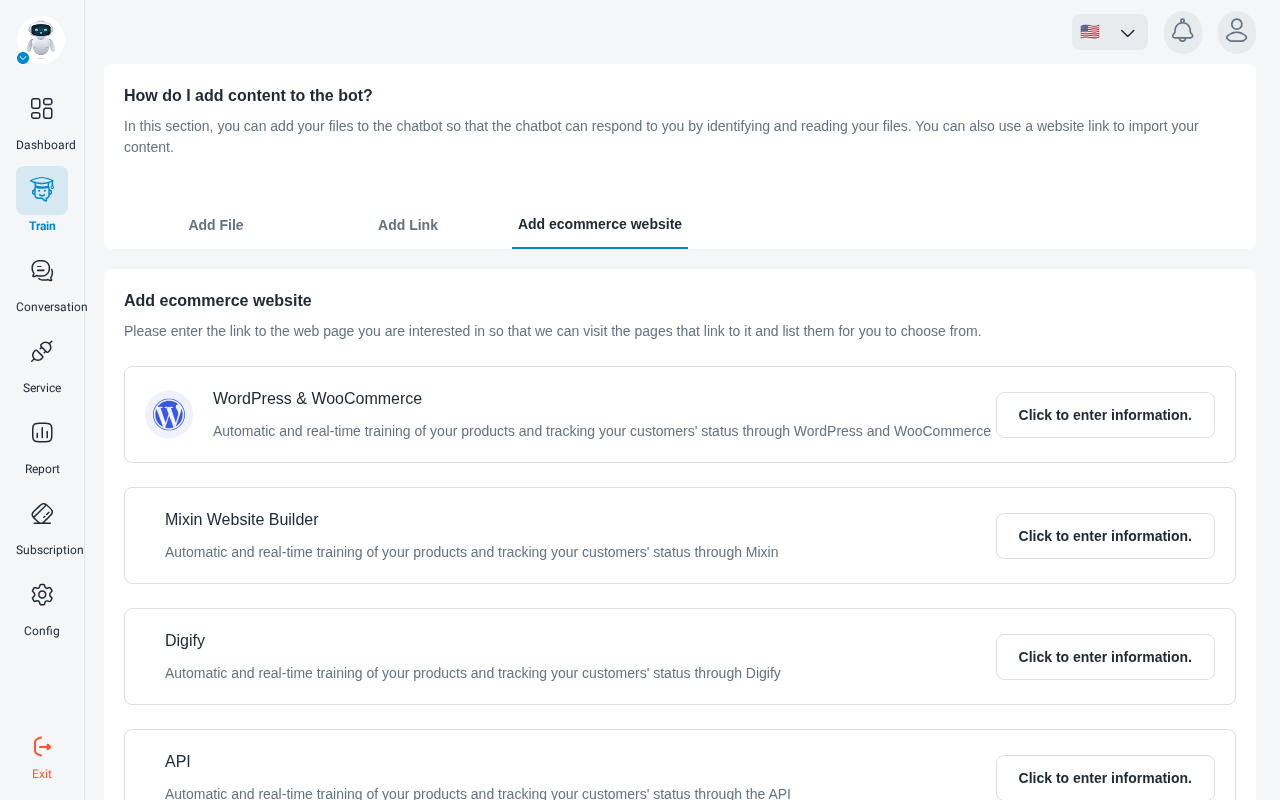
In the ParsChat panel, open your robot and go to the data sources page. Choose the store data section and open Mixin website builder training. The page links to a Guide to adding Mixin information to ParsChat.
Train the robot
Click Train Bot. ParsChat extracts your store content and adds it to the robot’s knowledge.
Check the status
On Manage sources, the store source should show Trained. If it shows Training error, check the website address and API key again.