

Robot instructions
Instructions shape how your robot talks, whatever it knows. Open your robot and go to Config → Instructions.
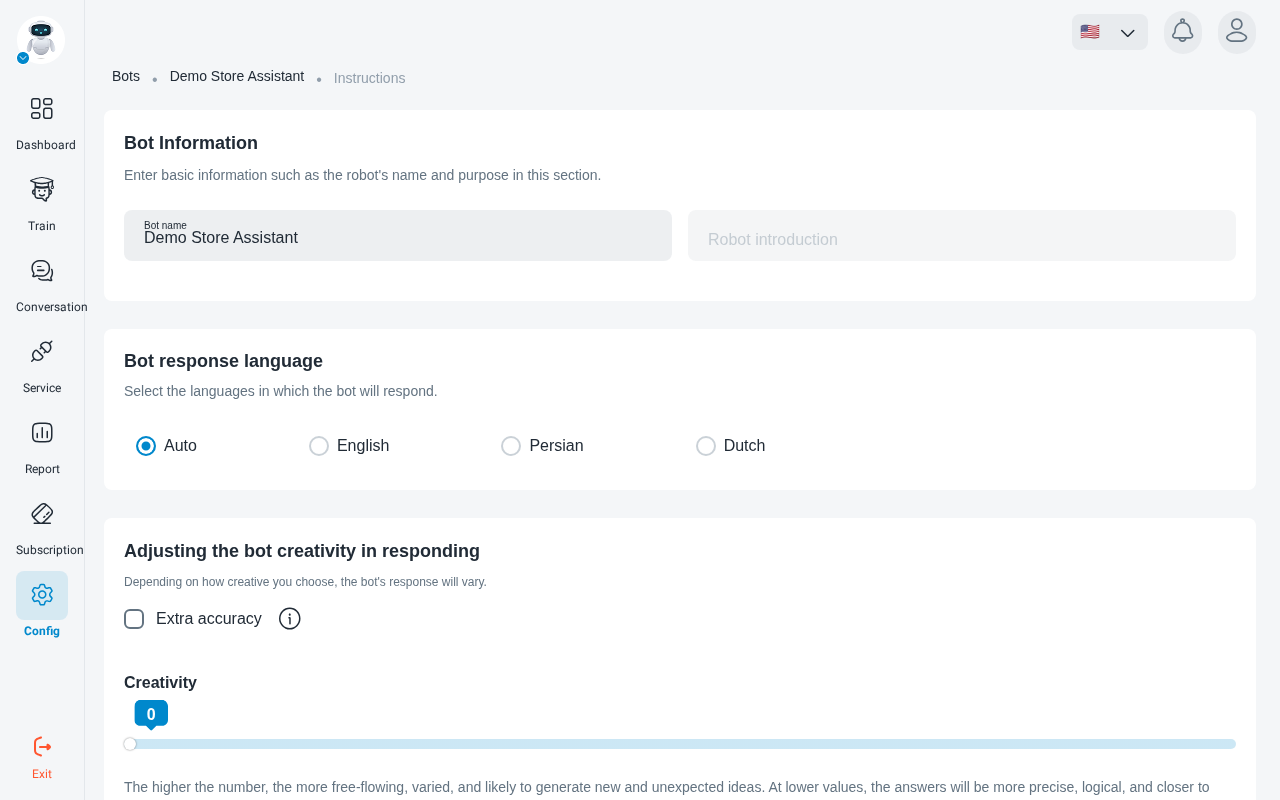
The prompt
The prompt is where you describe how the robot should behave: its tone, what it should and shouldn’t talk about, and how to handle questions it can’t answer. Start from a template, a store template, a company template or the default User prompt, and edit it to fit your business.
Click Save Settings when you’re done, then check the result in Chatbot Test.