

Add data sources
Your robot answers from the sources you give it. Open your robot and go to Train Bot (in the training menu). The page has three tabs: Add File, Add Link and Add ecommerce website.
Add files
Choose your files
On the Add File tab, upload one or more files. Accepted formats are PDF, DOC, DOCX and TXT, up to 10 MB per file. The same file can’t be added twice.
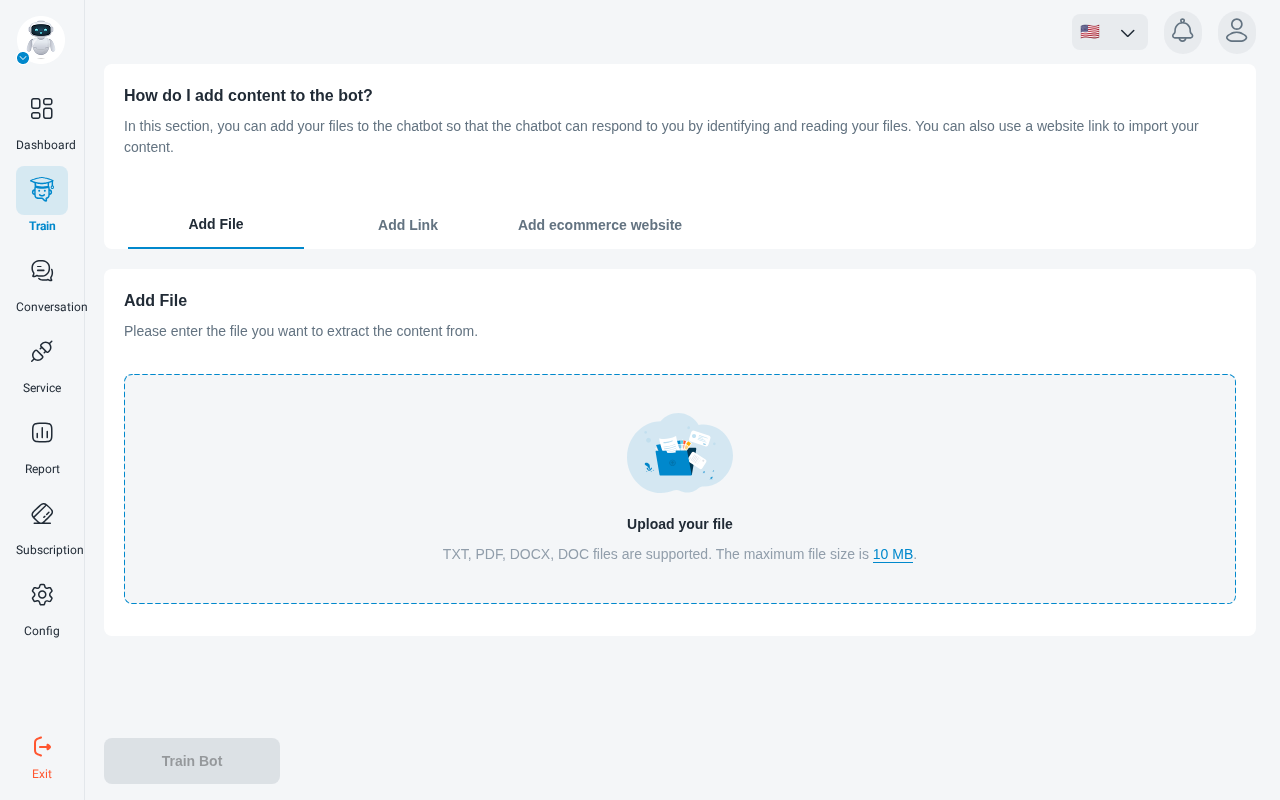
Train
Click Train Bot. When the upload finishes you are taken to Data Collection, where you can follow training.
Add web pages
Choose what to read
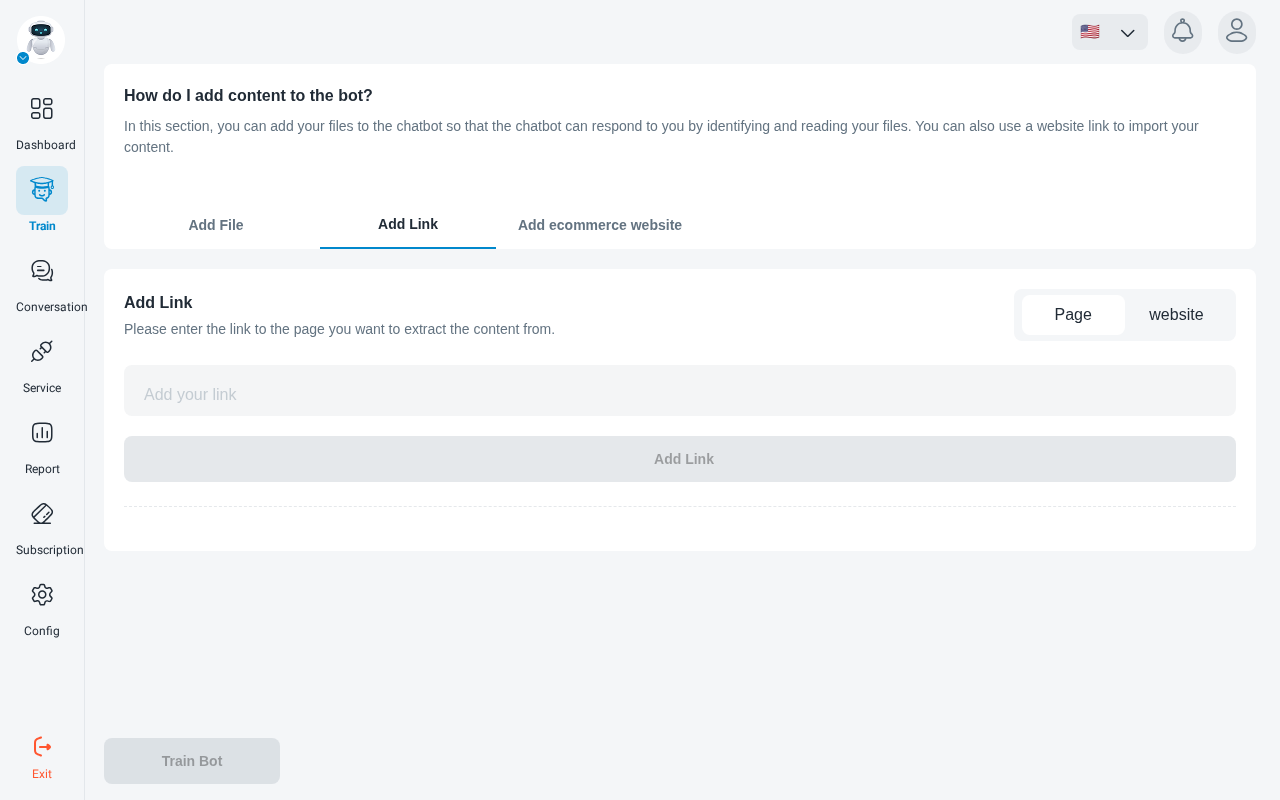
On the Add Link tab, choose whether to read a single Page or crawl the whole website.
Add an online store
The Add ecommerce website tab reads products and store content directly from your shop:
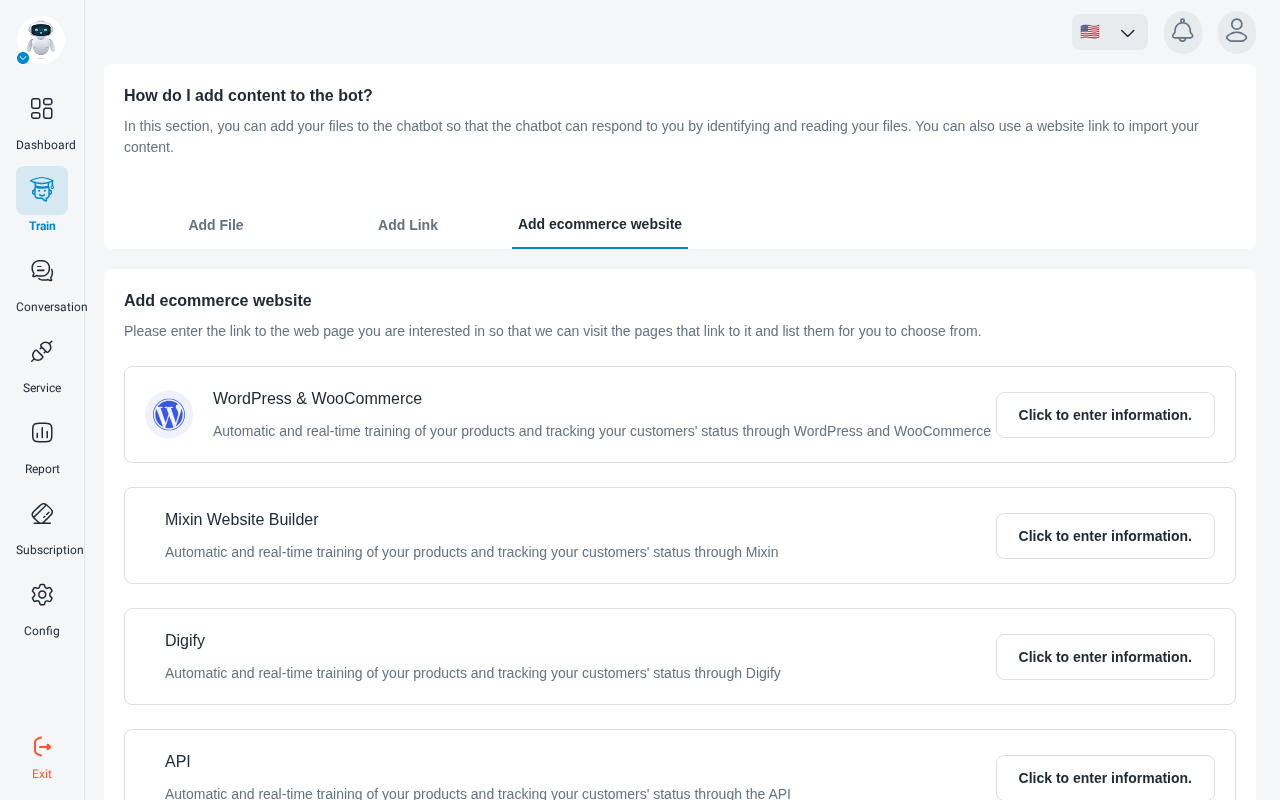
PrestaShop and Portal are listed as coming soon.
Add questions and answers by hand
To teach the robot a specific answer without writing a document, open Q&A in the training menu, click Add, and enter a question and its answer. Click Apply to save it.
Test what the robot has learned from Chatbot Test in the training menu before you put it in front of customers.