

Operators
Operators are the people on your team who answer conversations the robot hands over. They are managed per robot: open the robot and go to Config → Operator management.
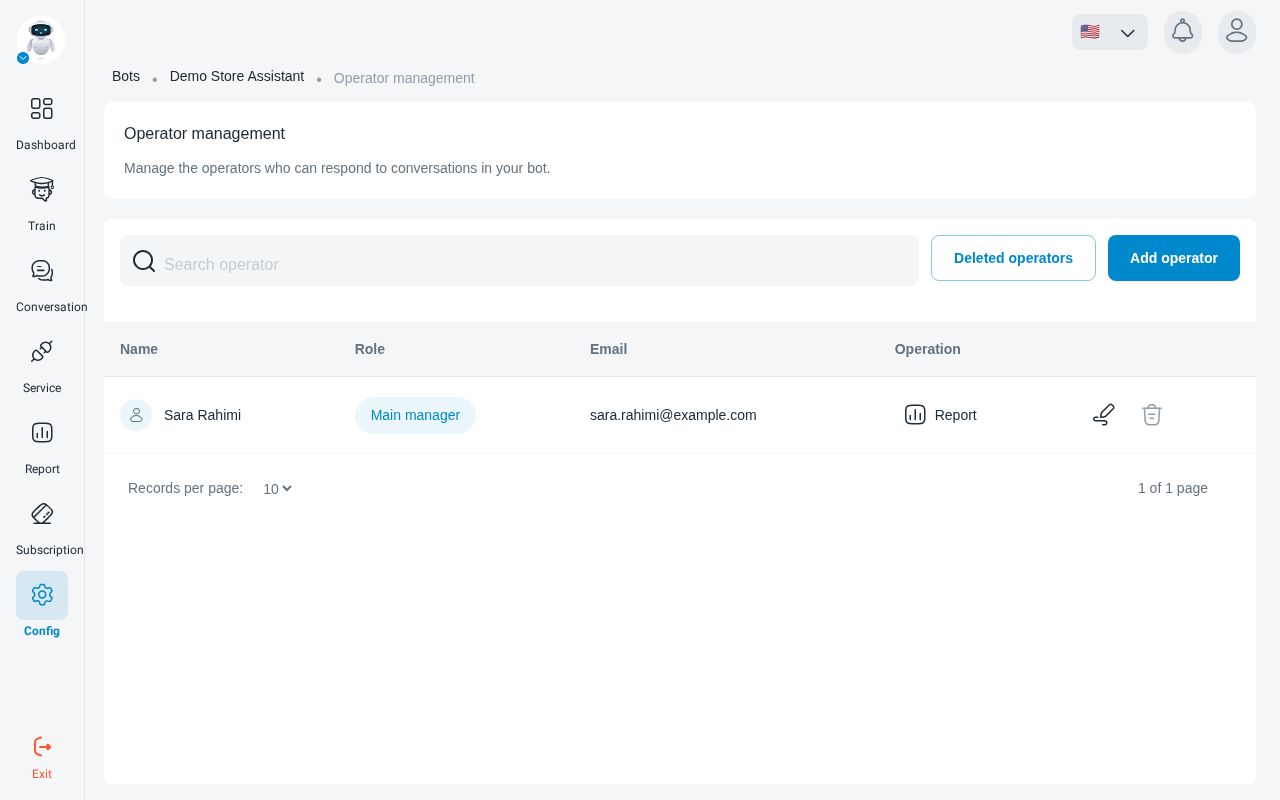
Add an operator
Click Add operator and fill in:
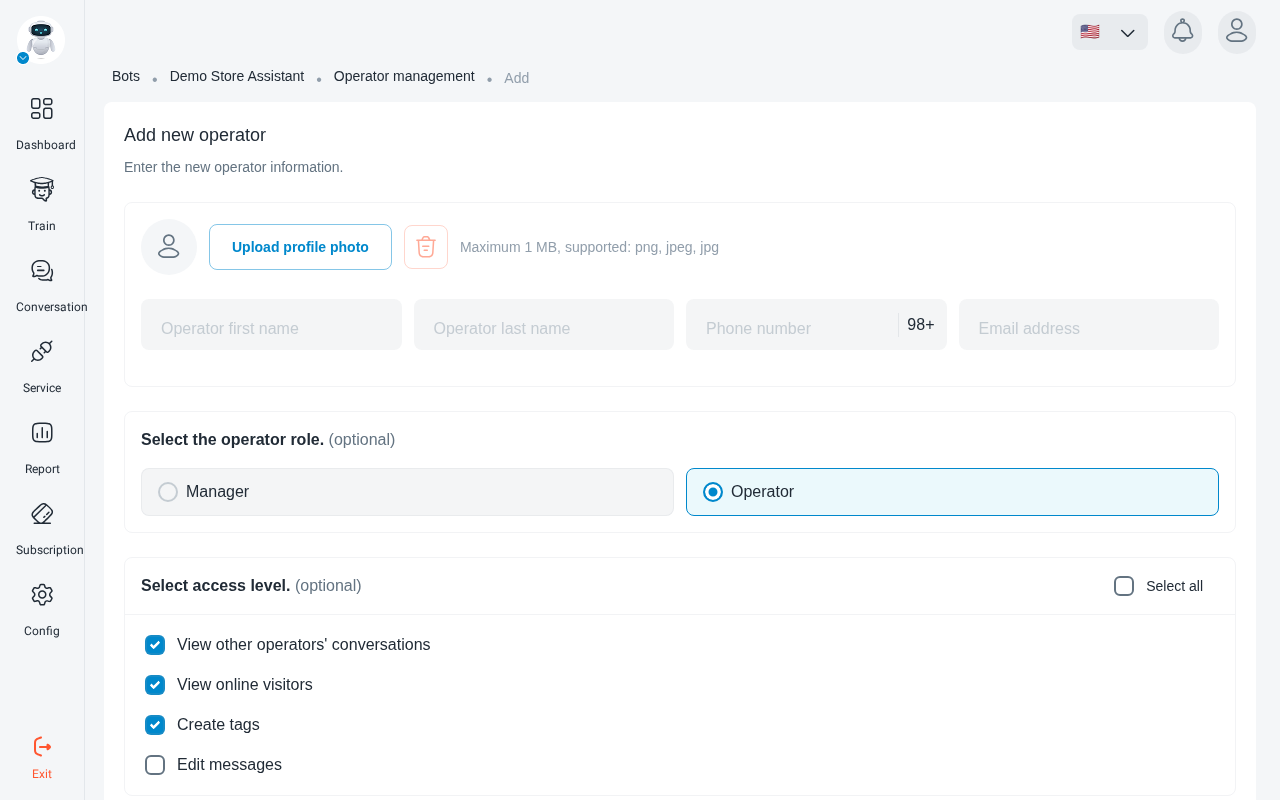
- first and last name;
- Email address, which they use to sign in;
- an optional avatar;
- their role and access permissions.
Roles
Each operator is a Main manager, a Manager or an Operator. Use the access permissions to limit each person to what they need.
Edit, remove and review
- Edit an operator to change their details, role or permissions.
- Delete an operator to remove their access. Removed operators remain listed under Deleted operators.
- Open an operator’s Report to see their activity daily, weekly, monthly or over a custom period.
Handing conversations to operators
A conversation reaches an operator when the robot or the visitor asks for one, for example through a Q&A button set to Operator Attention. How and when the robot hands over is set under Config → Interaction management → Operator Attention.