

Telegram
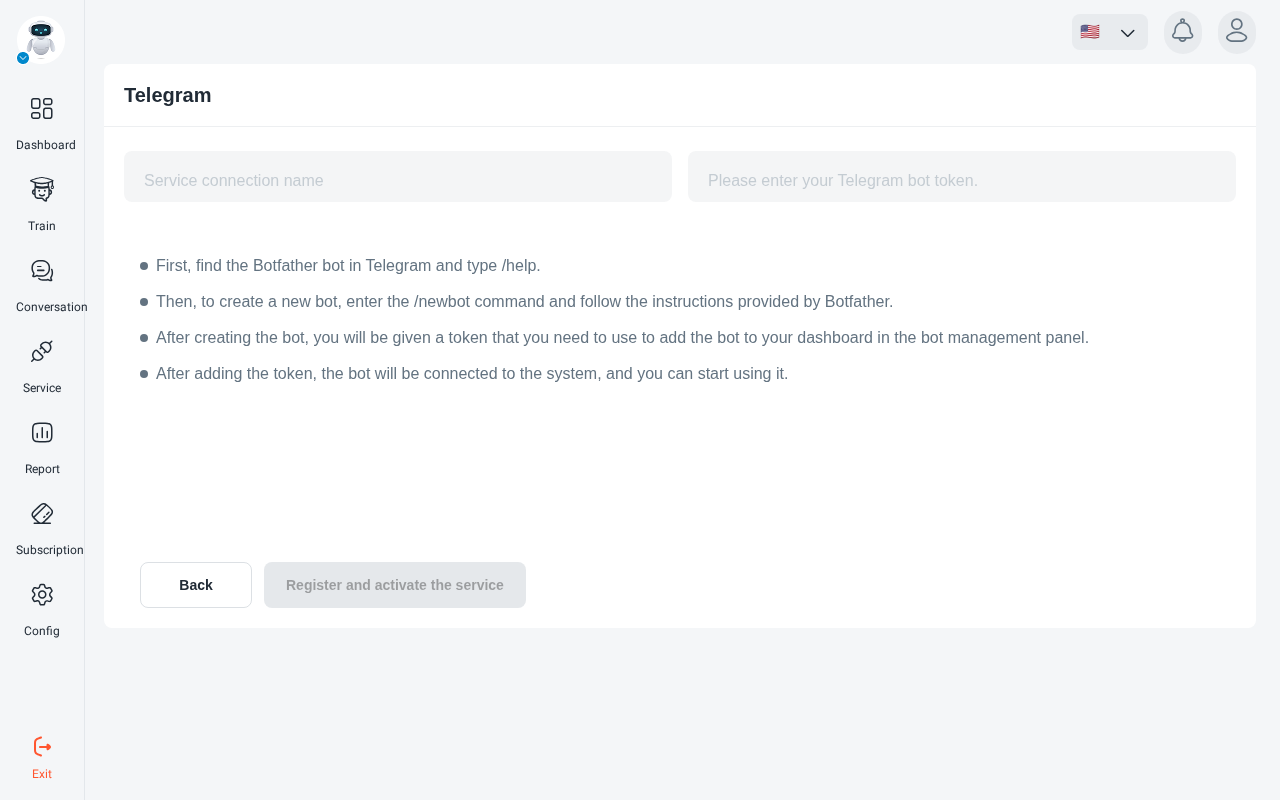
Create a bot in BotFather
In Telegram, open @BotFather and send /newbot. Follow its instructions to choose a name
and a username for your bot. (/help lists every BotFather command.)
Copy the token
When the bot is created, BotFather gives you a token. Copy it.
Treat the token like a password. Anyone who has it controls your bot.
Add a Telegram service
In the ParsChat panel, open your robot, go to Service and click connect to telegram. The page links to How to connect to Telegram.
If you see “You need to upgrade your plan to use telegram services.”, Telegram isn’t included in your current plan.
See BotFather’s documentation for more about Telegram bots.