

Auto-close conversations
Auto-close conversations
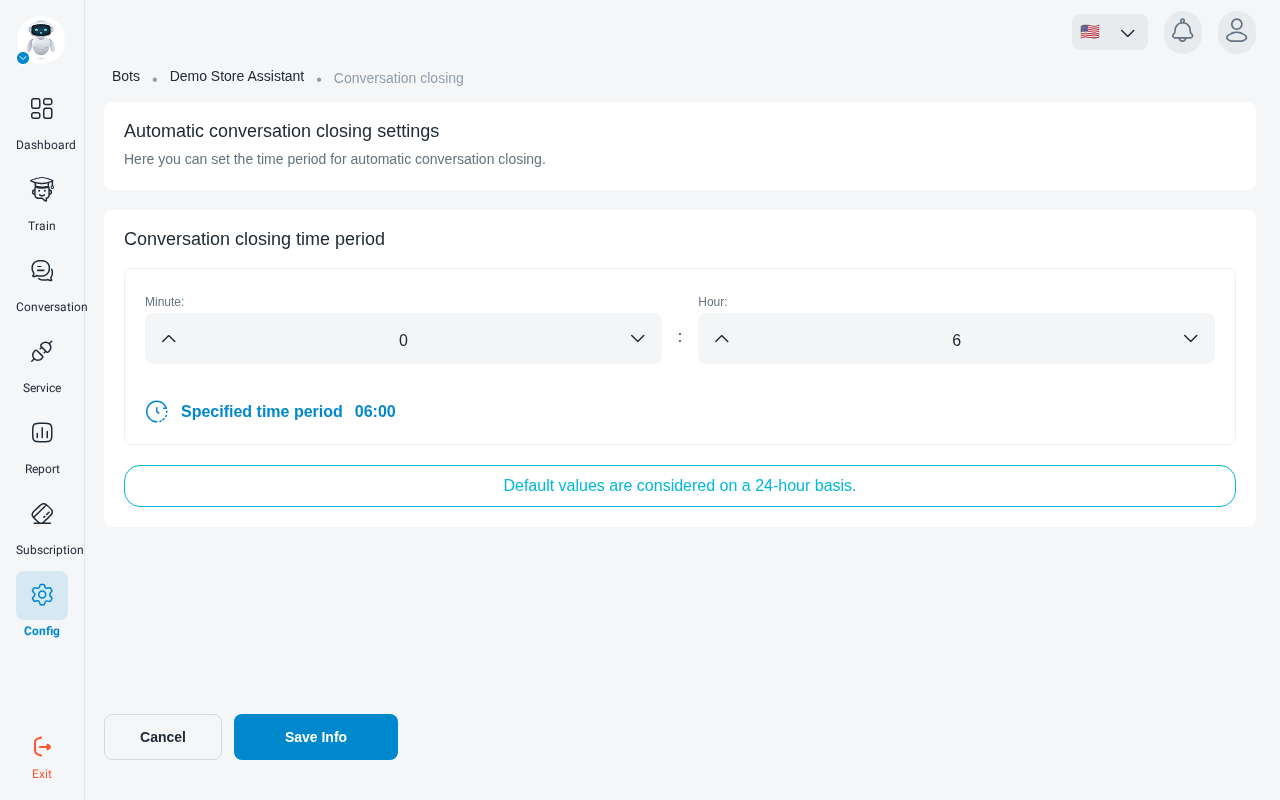
A conversation that goes quiet is closed automatically once no message has been sent for a set time. The default is 6 hours.
Set the time
Enter the period in Hour and Minute. It can be anything from 15 minutes to 48 hours. The panel shows the period you’ve chosen below the fields.
The timer counts from the last message in the conversation, so an active conversation is never closed mid-exchange.