

Chat distribution
When the robot hands a conversation over, it goes to one of your operators. Chat distribution decides which one. It is set per robot: open the robot and go to Team → Chat distribution.
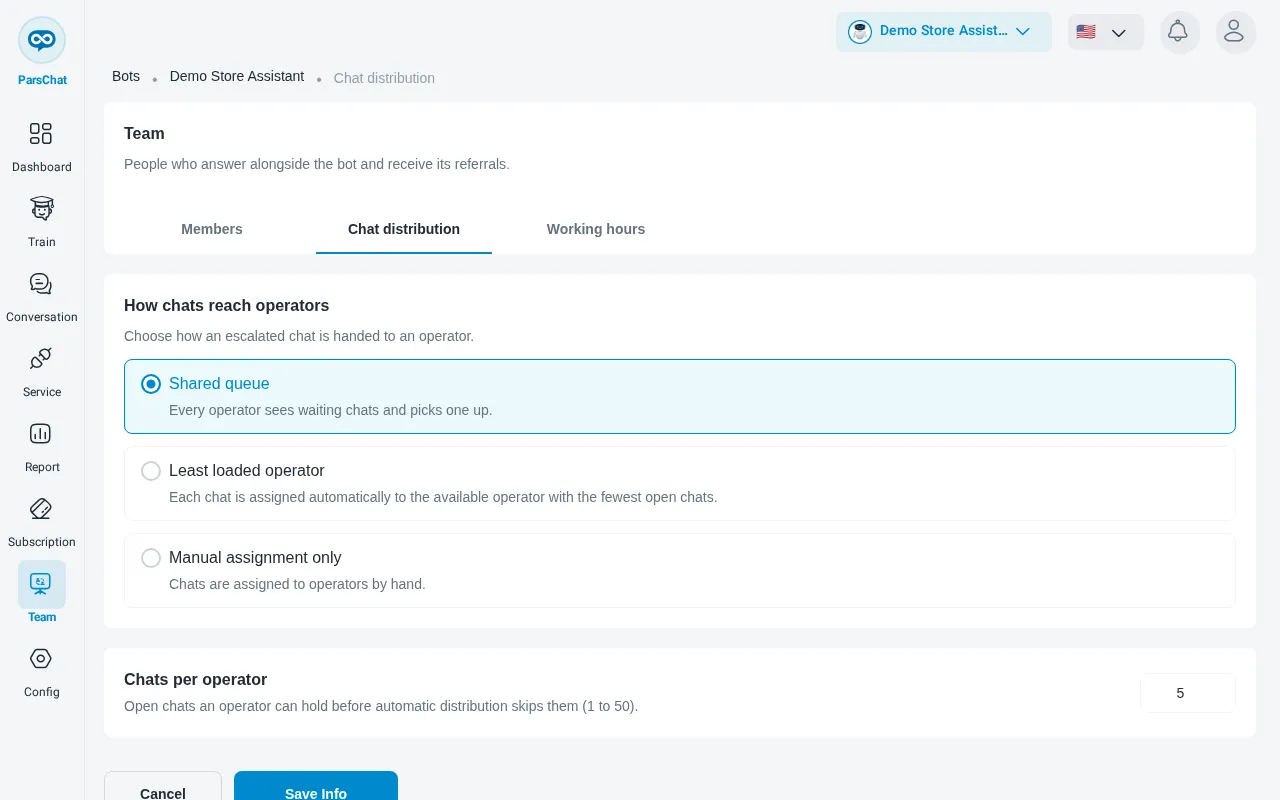
How chats reach operators
Under How chats reach operators, choose one of three modes:
Limits
With Shared queue or Least loaded operator, you also set:
- Chats per operator: how many open chats an operator can hold before automatic distribution skips them. From 1 to 50.
With Least loaded operator only:
- Transfer after no response (minutes): if the assigned operator does not reply in time, the chat moves to the next one. 0 turns it off. Up to 60.
- Suspend after missed chats: the number of chats in a row that were transferred away from an operator, after which that operator gets no more chats until they reply or come back online. 0 never suspends. Up to 20.
Click Save Info, or Cancel to leave without changing anything.
To define when your team is online, set your working hours.